Sight-read rhythm
and melody.

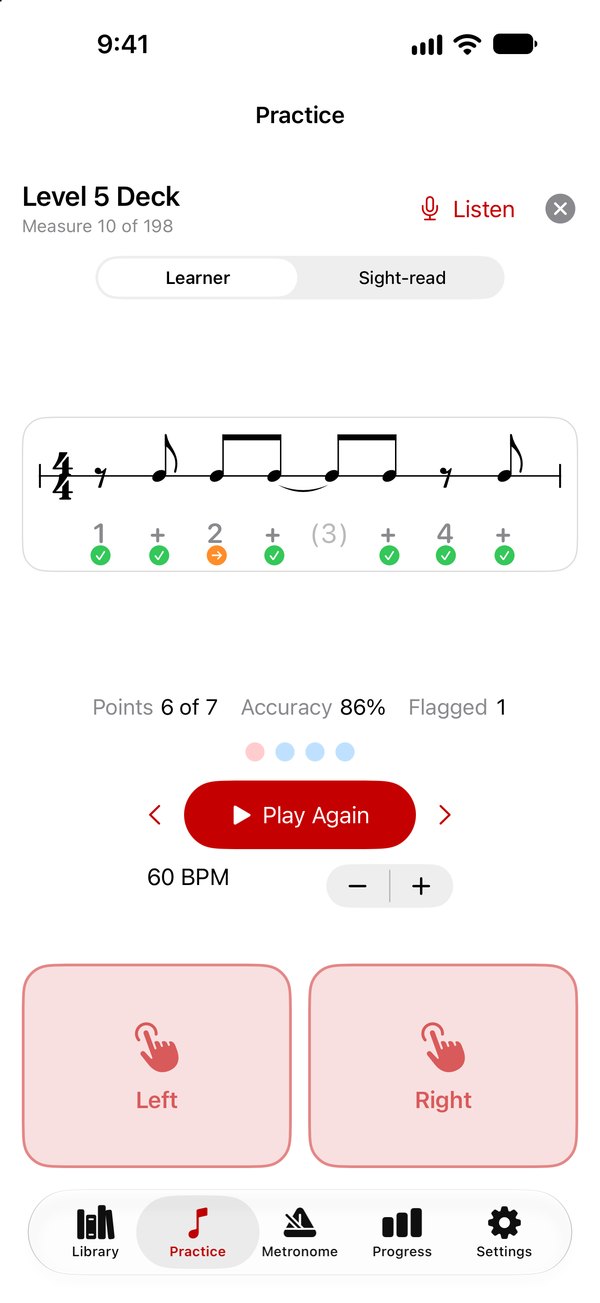
Rhythmicity Melodic writes a measure on the staff, counts you in, listens to what you play, and marks every note early, late, missed, or extra. Rhythm first, then rhythm with pitch, then whole pieces.

Download on the App Store

iPhone · iPad · Mac · Apple Vision Pro

For any instrument

Drummers and percussionists tap the two pads. Pianists play the on-screen keys or a MIDI keyboard. Wind, string, brass, and voice players turn on Listen and play into the microphone. Nothing in the app assumes which instrument you play.

For students and teachers

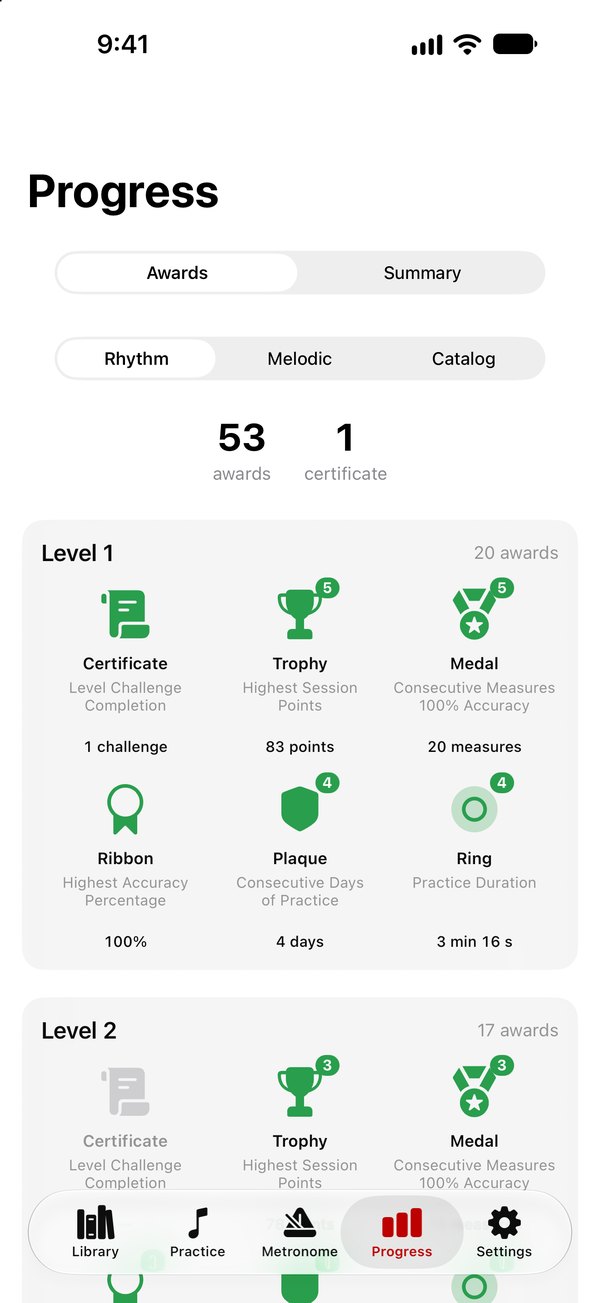
Ten graded levels in each section, every measure counted in Traditional numbers, Takadimi, or Kodály syllables, and a tutorial that performs and counts any measure in English, Spanish, German, or French. A certificate for every level completed.

What is inside

Rhythm, ten levels

From whole notes to sixteenths, dotted notes, ties, rests, and triplets, in 2/4, 3/4, 4/4, cut time, and 6/8. Every level has lessons, a deck of every measure, two-measure phrases, and three challenges.

Melody, ten levels

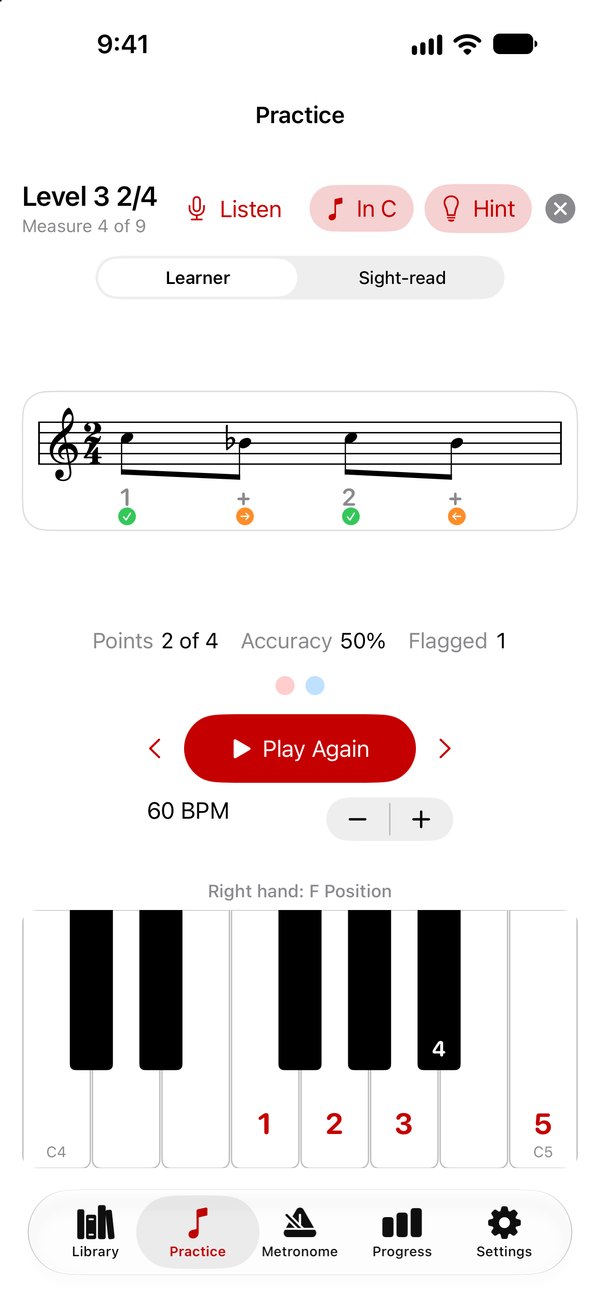
The same levels with pitch, in treble and bass clef and keys up to four sharps and four flats. The on-screen piano shows where the hand sits and numbers the fingers; a Hint draws the position on the staff.

35 pieces

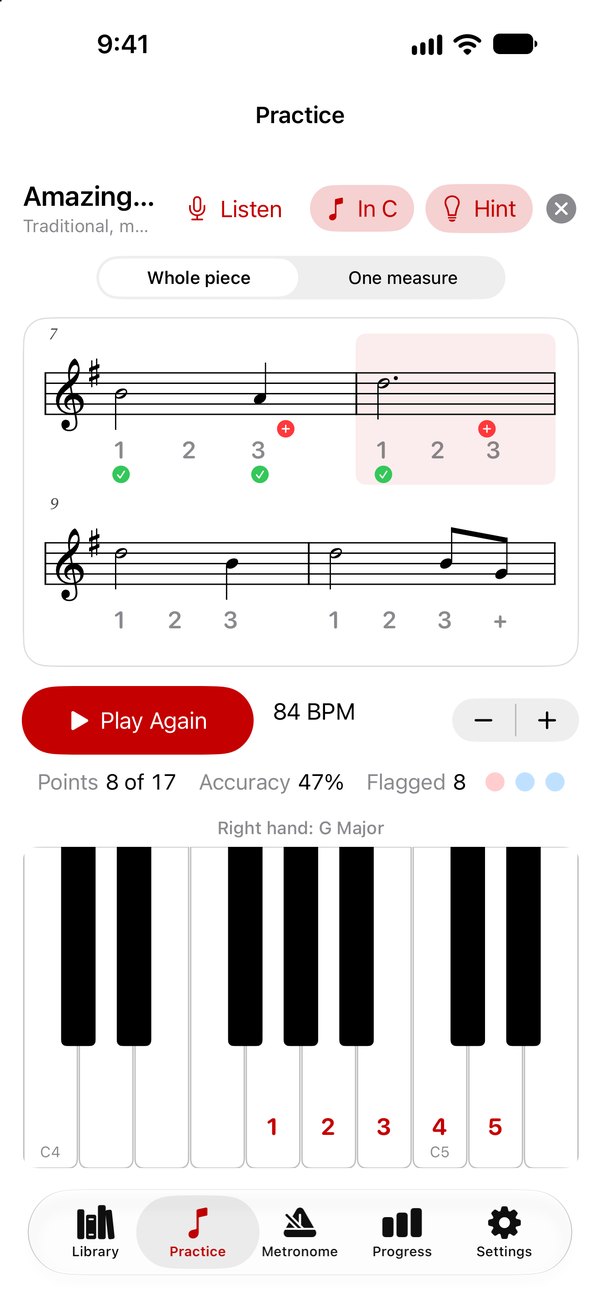
Traditional and classical pieces from Hot Cross Buns to Greensleeves, read whole or one measure at a time, and transposed for B-flat, E-flat, or F instruments.

Three ways to practice

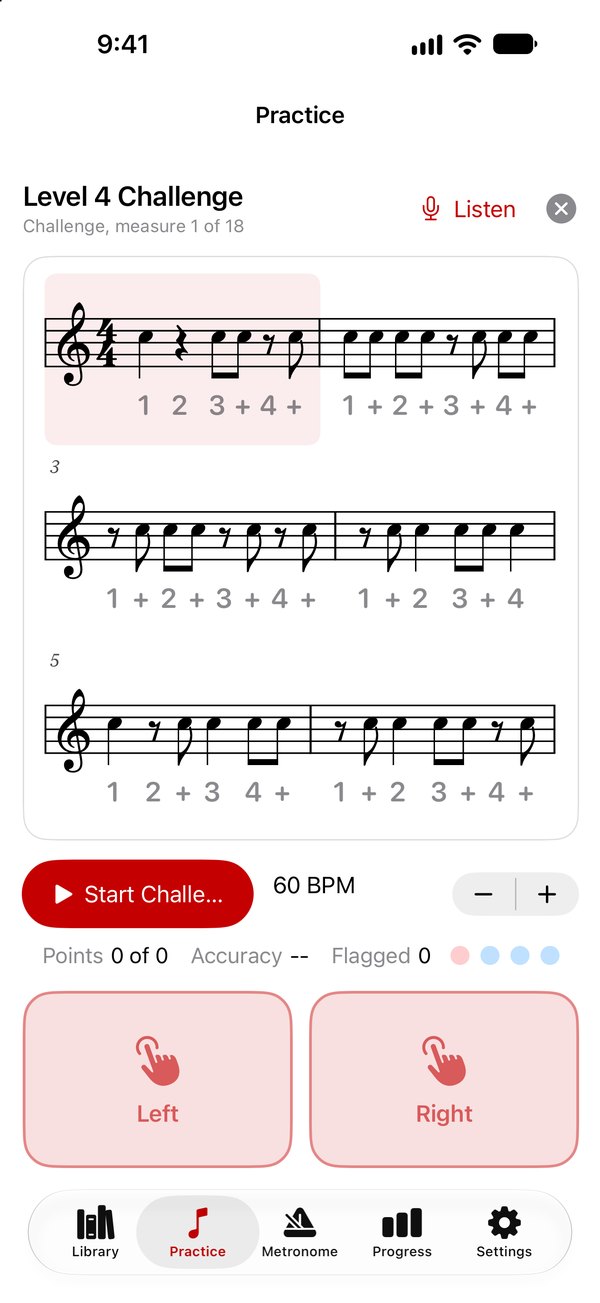
Learner loops a measure until it is clean. Sight-read slides a staff past at tempo in a random order. Challenge sets the whole level as a printed page and keeps score.

Honest grading

Every note is placed against the click to the millisecond, with Beginner, Intermediate, and Expert windows, and a calibration step that allows for your speaker or headphones.

A full metronome

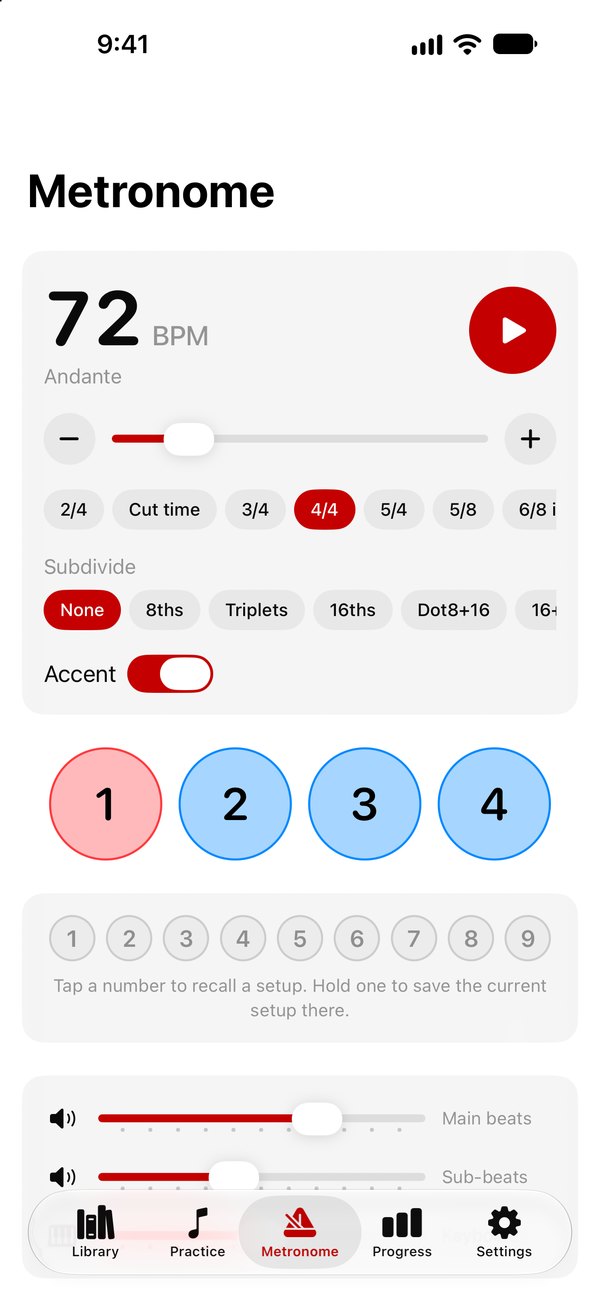
Tempo from 10 to 400, nine time signatures, subdivisions, accent groupings, a color and a sound for every beat, and nine saved setups. Lessons borrow the metronome, so the click you practice with is the click you set.

See it in action

Hover to pause.

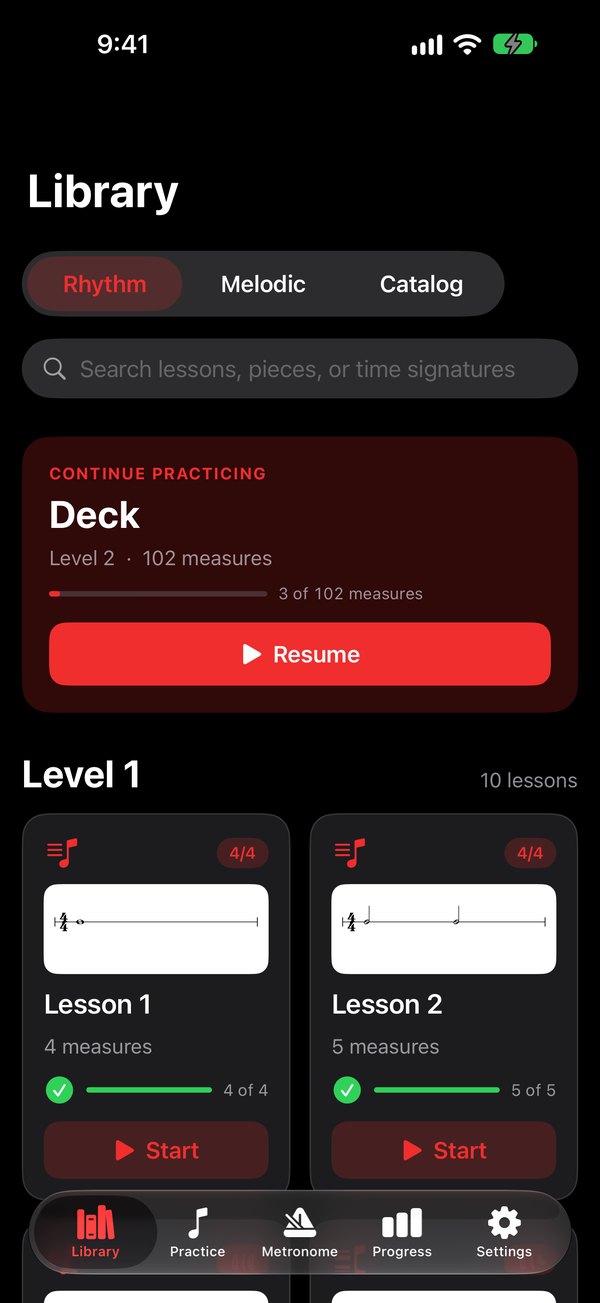
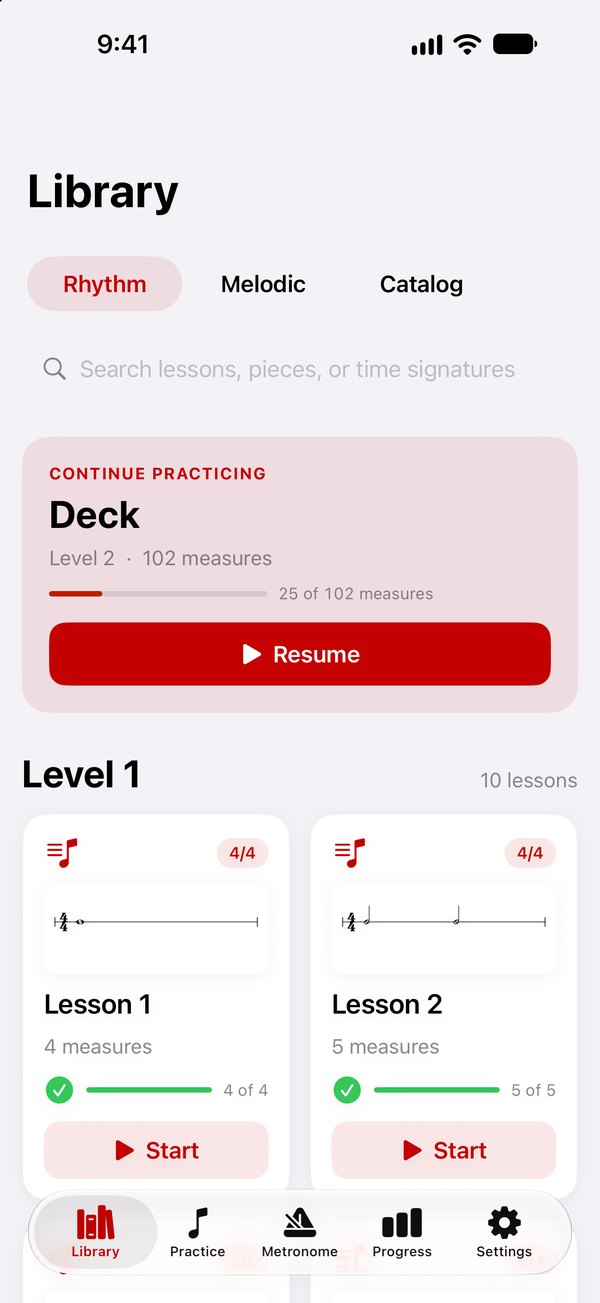
The Library, Rhythm section
A Level 5 rhythm measure with marks under every count
A melodic lesson with the on-screen piano and finger numbers
Amazing Grace from the catalog
A Level 4 challenge page
The metronome
Awards by level
The Library in Night mode

Support

Questions, ideas, or something not working? Write to us.

Email Support

Frequently asked

Do I need a MIDI keyboard or a microphone?

No. Rhythm lessons use two large pads on the screen, one for each hand, and melodic lessons use the on-screen piano. A MIDI keyboard over USB or Bluetooth, or your own instrument through Listen, are other ways to play the same lessons.

How is a note graded?

Each note is placed against the metronome click. A note inside the window for your skill level is clean; outside it is marked early or late; a note not played is a miss, and a note the music does not ask for is an extra. Settings has a calibration step that measures the delay of your speaker or headphones and allows for it.

Which counting systems are there?

Traditional numbers (1 e + a), Takadimi, and Kodály syllables. Kodály is offered in Levels 1 to 4; from Level 5 on its lessons are counted in Takadimi. The count can stay under every lesson or appear only in the tutorial.

Does Sight-read work in every time signature?

Sight-read draws measures from the lesson you opened in a random order; the lessons are in 2/4, 3/4, 4/4, cut time, and 6/8. On a MIDI keyboard a right note played in the wrong octave is marked as a wrong note, because the lesson asks for the octave written.

What does the purchase unlock, and on which devices?

One non-consumable purchase unlocks every level, every piece, and the tutorial on every device signed in to the same Apple Account. Restore Purchases is in Settings.

Where is my practice history kept?

On your device. Sessions, awards, certificates, and the name on your certificates never leave it. See the privacy policy.